
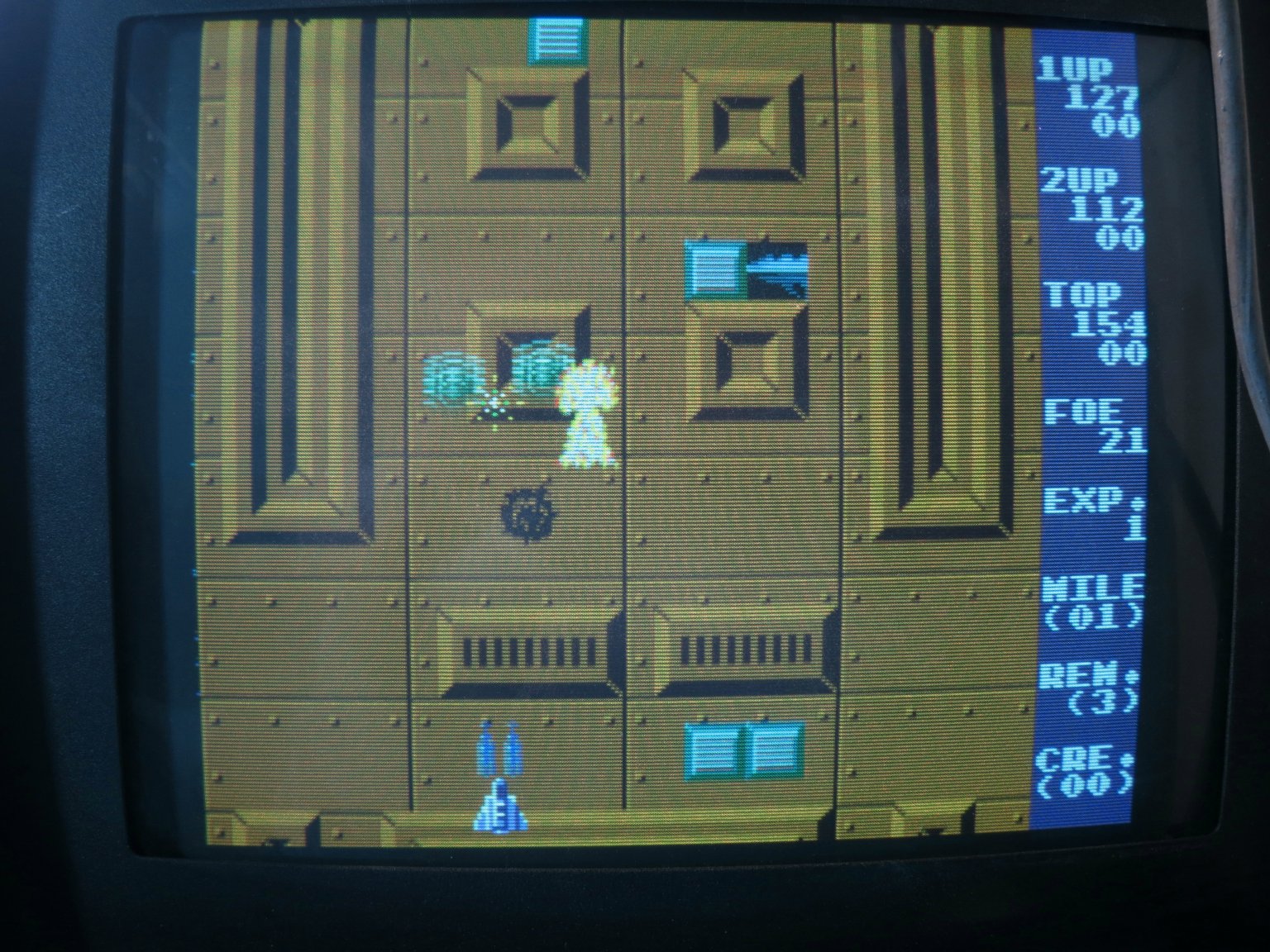
Getting through my collection of not-quite-working arcade PCBs, I’ve just sorted out ‘Espial‘ and made a JAMMA adapter for it. In the process, I discovered something missing from the available pinouts of this game online. In the game you have two weapons: you can drop bombs on ground targets, and fire lasers at flying targets. In MAME, the game uses two separate fire buttons, one for each weapon. However, the published PCB pinouts only show one fire button connection for each player. There’s a DIP switch setting which combines both bombs and lasers on to one fire button, which worked for me, but that’s not the same as having separate control of the weapons.

I set about looking for the second fire button connections. The MAME source code shows that the second fire button for player 1 is in bit 6 of the port at 0x6081, the same port as some of the DIP switches. The inputs all seem to be handled by 74LS368 buffers. Prodding their inputs with a grounded bit of wire during a game revealed that the second fire button for player 1 was on pin 14 of IC2F. Aha! It does exist. Tracing the PCB tracks led me to pin E on the underside of the edge connector via R17. A similar process led me to pin G for the second fire button for player 2.
Here’s my updated version of the pinout diagram:
              COMPONENT  |  SOLDER
    ---------------------+----------------------
               GND   | 1 | A |   GND
               GND   | 2 | B |   GND
                     | 3 | C |
               +5V   | 4 | D |   +5V
                     | 5 | E |   1P.Laser
      Coin Counter   | 6 | F |
           2P.Down   | 7 | G |   2P.Laser
              Coin   | 8 | H |
           1P.Bomb   | 9 | I |   Service
          1P.Start   |10 | J |   2P.Start
           1P.Left   |11 | K |   1P.Right
             1P.Up   |12 | L |   2P.Up
           2P.Left   |13 | M |   2P.Right
           2P.Bomb   |14 | N |   1P.Down
               GND   |15 | O |   GND
               Red   |16 | P |   Green
              Blue   |17 | Q |   Sync
                     |18 | R |   Speaker
                     |19 | S |
              +12V   |20 | T |   +12V
               GND   |21 | U |   GND
               GND   |22 | V |   GND
I also found that it was important to connect up all the power and ground connections, even the seemingly duplicated ones, before the game would start up correctly. But start up it does, and it’s fun. I hope this information is useful to someone.
 martinjonestechnology
That has been quite useful. Thanks! You saved me quite some beeping time 🙂
No clue what the service mode key does, though. Can’t manage to see any effect with it, by pressing it randomly but also by keeping it grounded when booting. Any idea?
I’m not sure either. I’d have to get the board out to check. It might just simulate putting a coin in. That’s all some service switches do, I’ve found.
Dear Martin,
I own the same Bootleg Orca PCB but mine miss the main cpu quartz.
The one in top right corner facing just next to the Z80.
Is it a 3.072Mhz one ?
12.288Mhz ?
Thank a lot for your help.
J-Luc
I’ve just checked my board and the crystal by the Z80 in the corner is 18.432MHz. I hope that helps!
Late to thank you Martin.
So sorry 😦 .
So much work for fixing a lot of junk.
I have populated my CPU board with the quartz you specified me and the game boot now ^_^!
So much thank you.
I have a little glitch who came on Video board i presume.
I have scoped IC 4J on this video board and it seem to be bad.
And of course, this TTL have the brand erased 😦 .
It’s a DIP18 package. i presume a driver or a 4bits sram ???
If you can tell me the type of this IC ?
Best regards from France 🙂